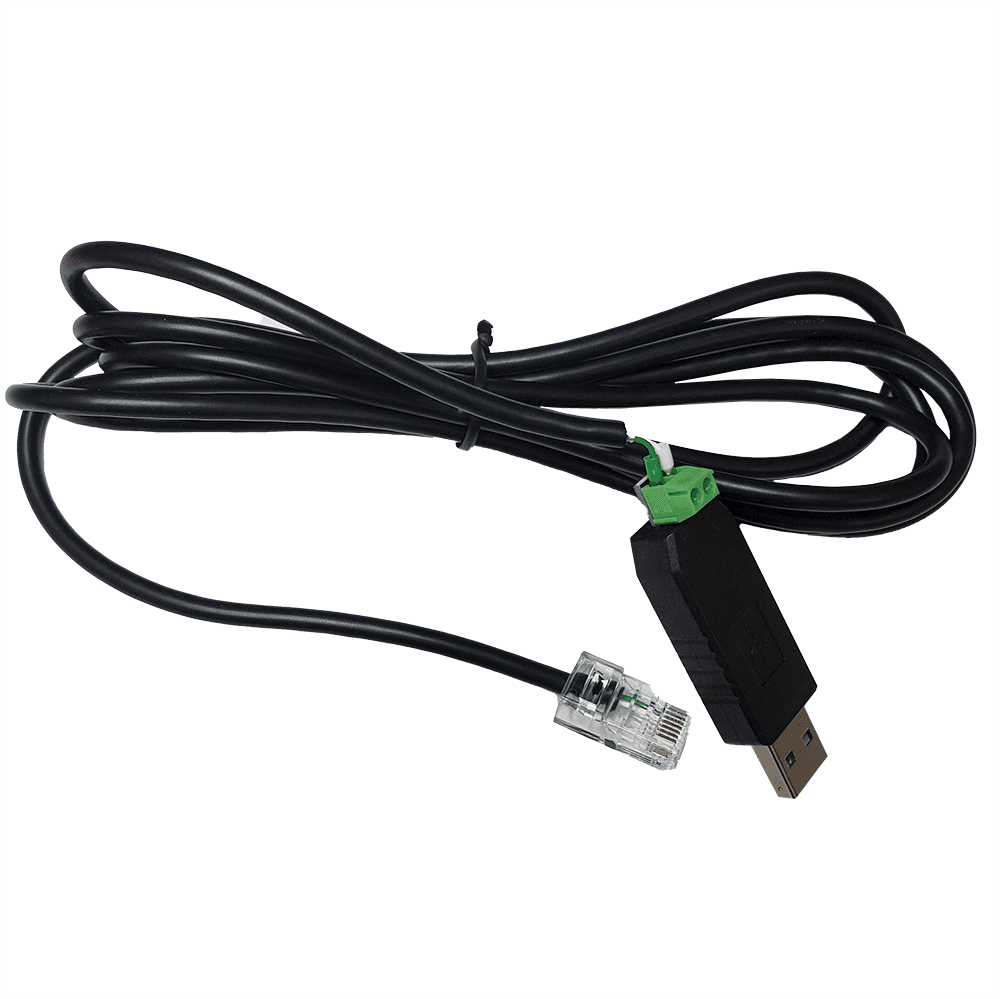
EG4 RS485 USB Read/Write Firmware Update Cable (LP4 & LL)
This is the EG4 RS485 read/write cable that connects an EG4 battery to a Windows PC. One end is a standard USB-A, the other is an RJ45 that lands in the battery's RS485 port, and there is a small green pluggable RS485 terminal at the USB dongle. Paired with EG4's BMS Tools software, it lets you read the pack live (state of charge, individual cell voltages, current, temperatures, and alarm status), write and confirm battery settings, and push updates to the LCD display. It works with the LifePower4 V2, the LL V2 and LL-S, and the WallMount Indoor 280Ah and All-Weather 280Ah packs.
Order-in: ships from our supplier, usually about a week.
5.036 Google reviews- Model
- EG4SPRS485RWCLPLL
- Function
- Live monitoring and read/write of battery settings over RS485 using EG4's BMS Tools software (state of charge, cell voltages, current, temperatures, alarm status), plus LCD display updates. It does not flash the BMS firmware on these packs; firmware is done with EG4's separate RS232 cable or the plug-in automatic updater dongle.
- SKU
- 1565404
About this item
This is the EG4 RS485 read/write cable that connects an EG4 battery to a Windows PC. One end is a standard USB-A, the other is an RJ45 that lands in the battery's RS485 port, and there is a small green pluggable RS485 terminal at the USB dongle. Paired with EG4's BMS Tools software, it lets you read the pack live (state of charge, individual cell voltages, current, temperatures, and alarm status), write and confirm battery settings, and push updates to the LCD display. It works with the LifePower4 V2, the LL V2 and LL-S, and the WallMount Indoor 280Ah and All-Weather 280Ah packs.
Keep one on the shelf for pulling real numbers straight off the pack instead of reading them secondhand off the inverter screen, and for setting or checking battery parameters on a commission or a service call. One point on firmware: on these newer packs EG4 flashes the BMS with its separate RS232 cable or the plug-in automatic updater, so treat this RS485 cable as your monitoring and read/write tool, not the firmware flasher. Two cautions carry over: the USB end has its own chip, so a generic RS485-to-USB cable will not stand in for it, and the battery should be off the inverter's communication line while you are connected to the PC.
More Accessories
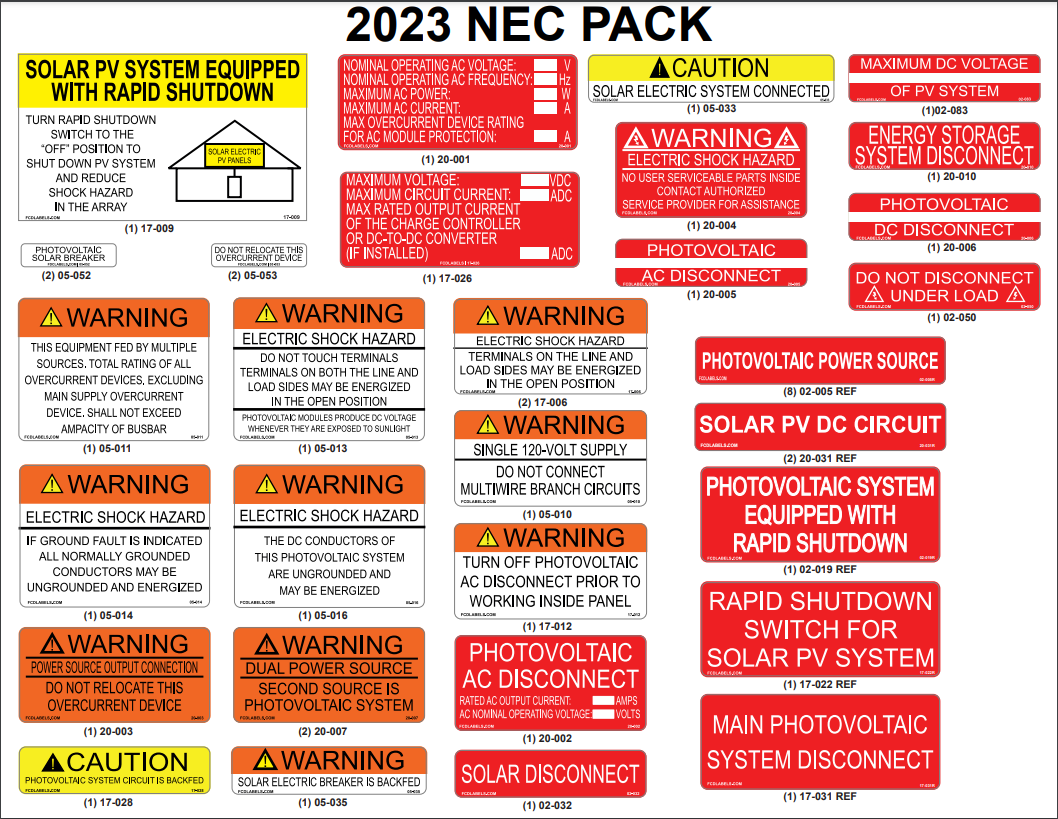
2023 NEC Sticker Pack
This sticker pack covers the labels and placards a solar install needs to pass inspection under the 2023 NEC. It includes the rapid shutdown placards, disconnect and inverter markings, conduit labels, and the power source directory, all printed on durable weather-rated stock that meets the code’s permanence rules. One pack handles the common warning and identification points on a typical residential system.
$20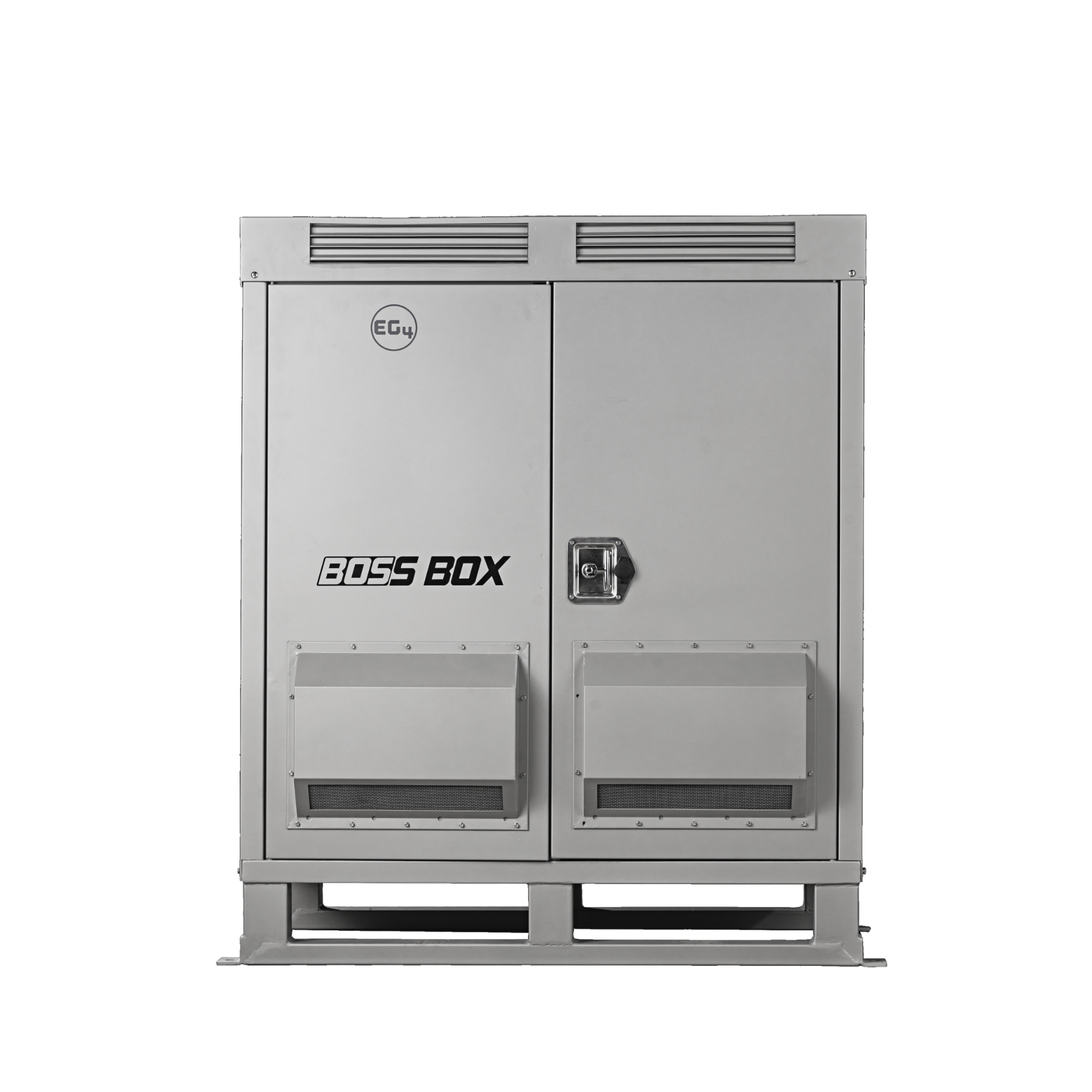
BOSS Box
The EG4 BOSSBox is a freestanding outdoor cabinet that houses your EG4 batteries and hybrid inverters in one weatherproof package, so you skip the wall mounting and the extra labor. The NEMA 3R steel enclosure holds up to three WallMount batteries and two hybrid inverters, and it cools through passive vents with no fans to fail. A clean way to set up whole-home backup or off-grid storage.
$2,899.99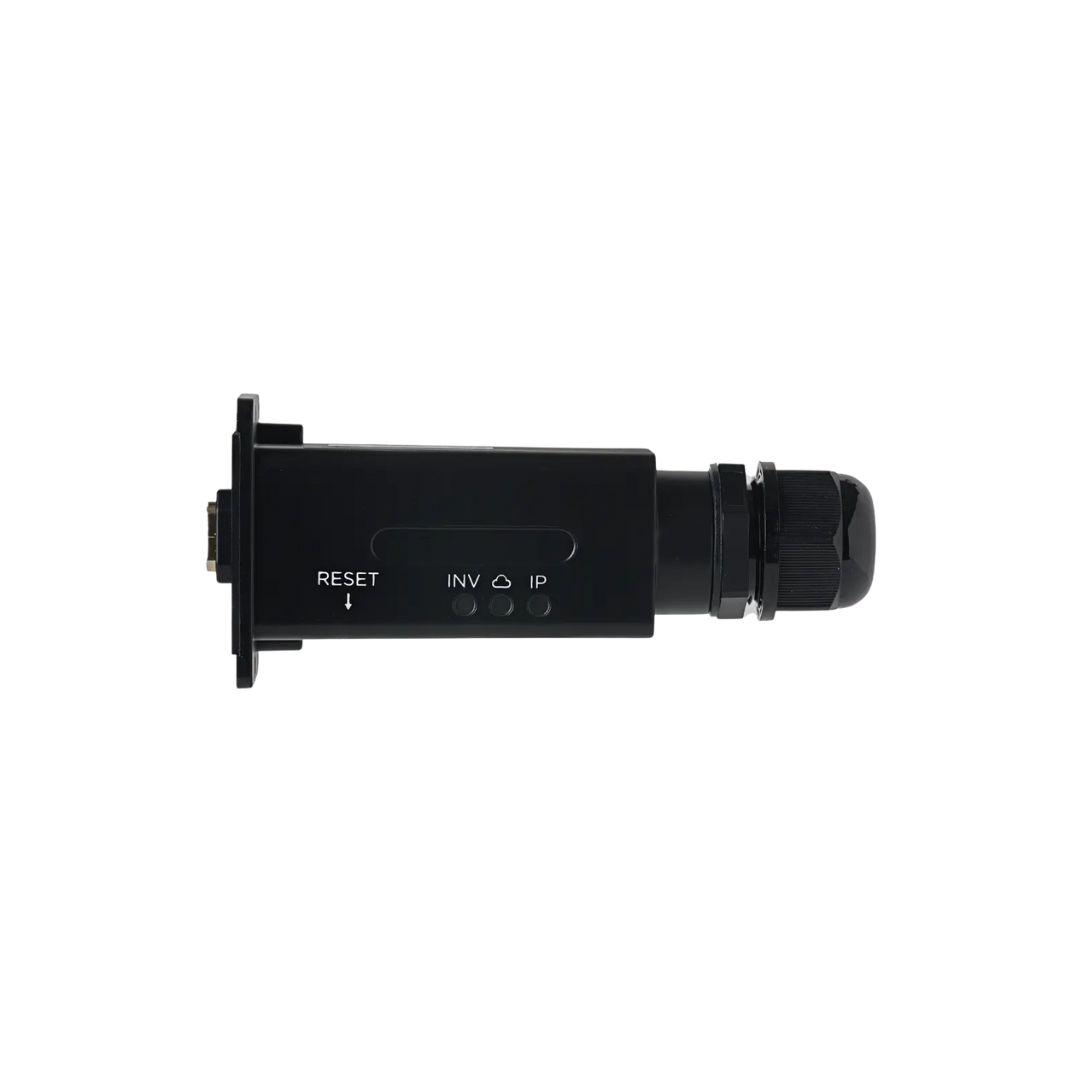
EG4 Ethernet Adapter
This is EG4's wired monitoring adapter (part EG4SP18KDLETH), the small box that carries your inverter's data to the EG4 app over a network cable instead of WiFi. It plugs into the inverter's monitoring port, and a standard RJ45 Ethernet line runs from the cable gland on its body back to your router. Three status lights sit on the face so you can read the connection at a glance: INV for the link to the inverter, a cloud light for the reach out to the EG4 portal, and IP for its network address. There is a reset button, and the unit mounts to the inverter with its built-in faceplate. It works across the EG4 inverter line, the 3k Off-Grid being the exception. The reason to run this over the WiFi dongle is that a cable does not drop. If the inverter lives in a garage, a shop, or a back corner where the WiFi is thin, a wireless adapter that keeps falling offline leaves gaps in your history and an app that shows nothing right when you want a look. Wire it straight to the router and the link stays up, so the numbers keep coming in. If there is a network jack anywhere near the inverter, this is the steadier way to keep eyes on the system.
$33